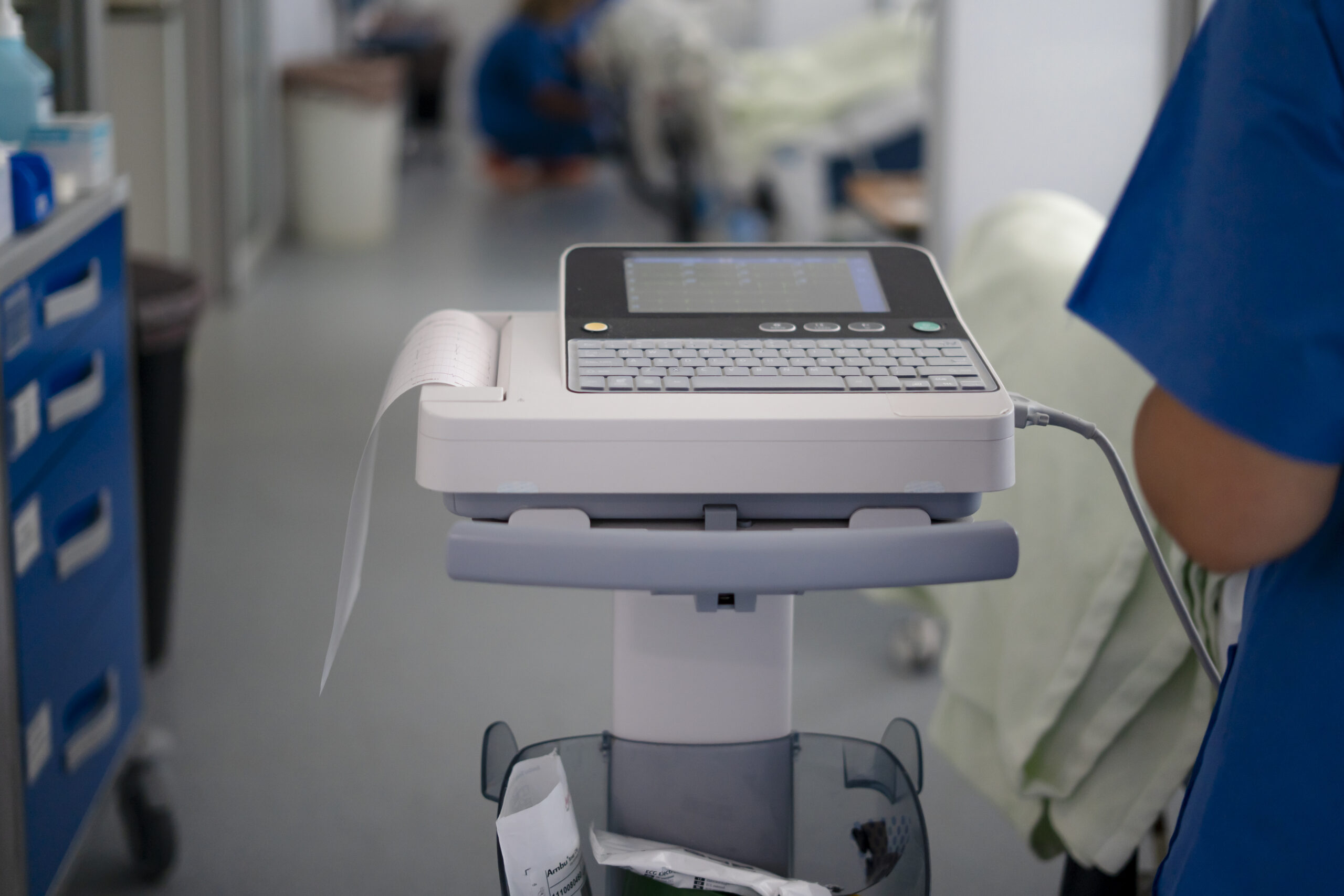
According to NHS England, 91% of NHS Trusts now have an active EPR system. Only 30% have achieved fully integrated, bidirectional data flows between those systems and the medical devices connected to patients.
The gap is at the bedside. Legacy patient monitors are capturing vital signs continuously, but that data is going nowhere. It is being manually transcribed, delayed, or simply lost. The bottleneck is not the monitors. Philips IntelliVue, GE CARESCAPE, Nihon Kohden Life Scope: these are capable, accurate, well-maintained devices. The bottleneck is connectivity. Most of them have RS-232 serial ports that have never been connected to a network.
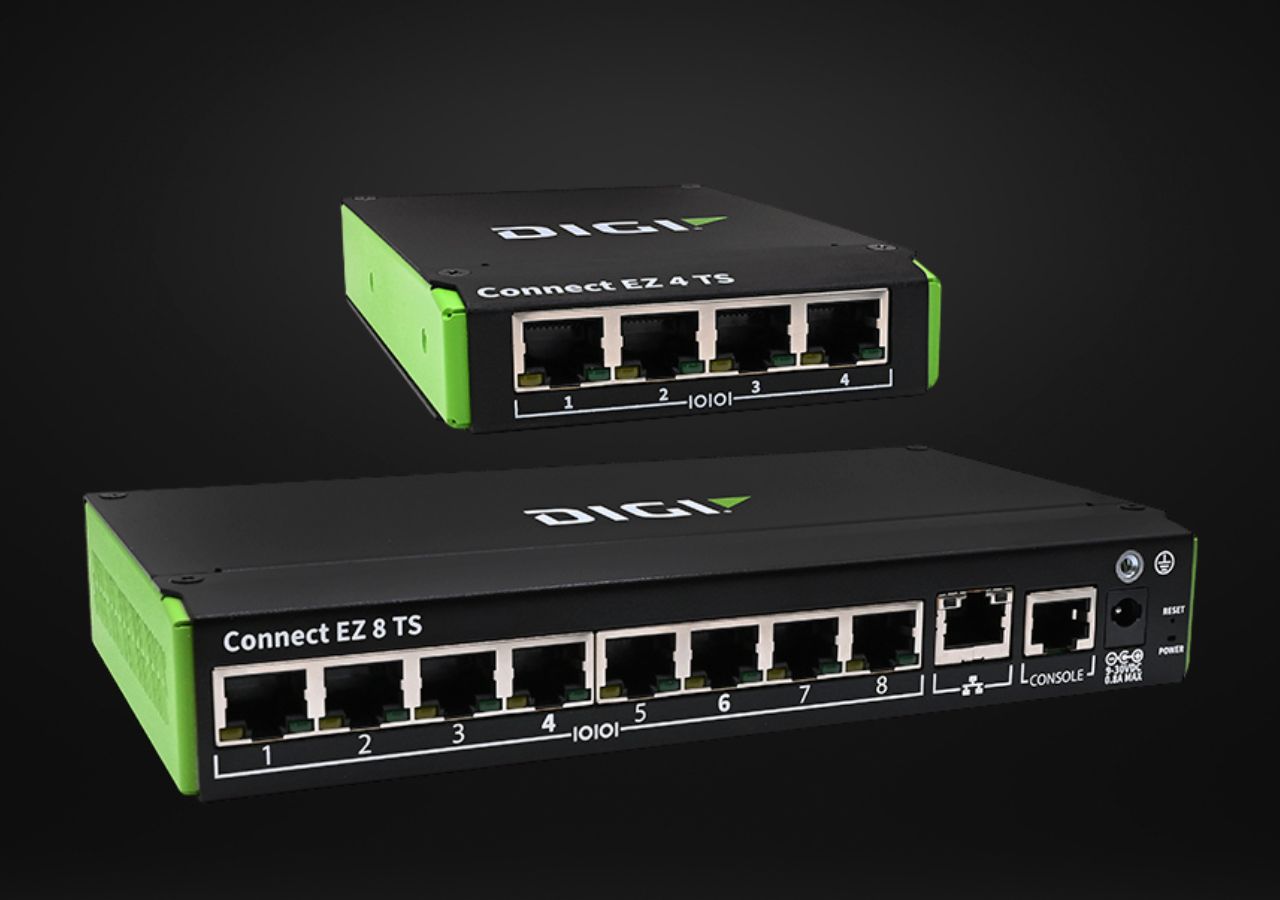
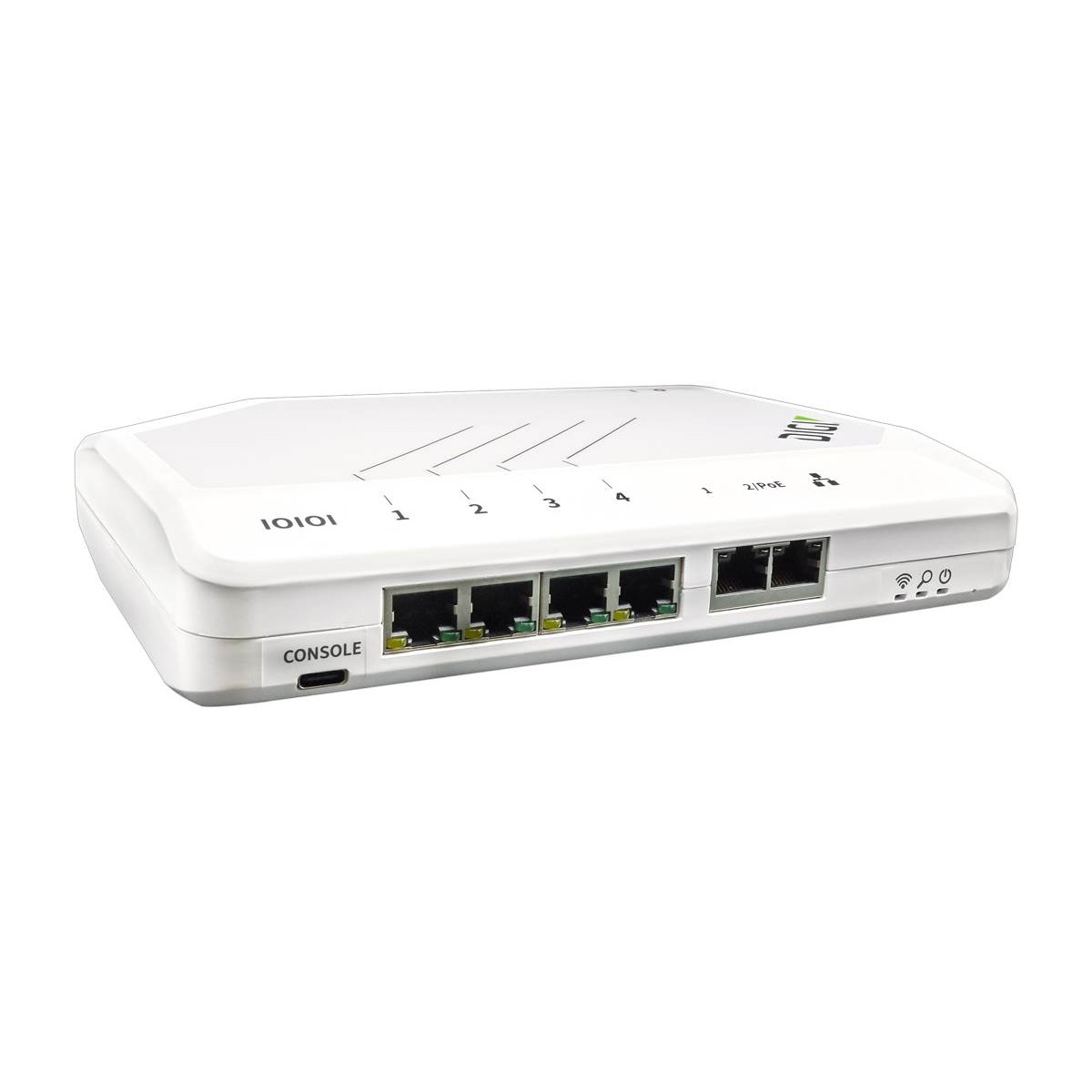
The Digi Connect EZ WS (EZ04-WS00) addresses this directly. Four software-selectable RS-232 serial ports. IEC 60601 3rd Edition compliance for safe bedside deployment. RealPort COM virtualisation for plug-and-play EPR integration. This guide covers which patient monitors are compatible, what the interface looks like in practice, and what you need to validate before deployment.
What Makes a Patient Monitor Compatible with the EZ04-WS00?
The EZ04-WS00 is compatible with any patient monitor that exposes an RS-232 serial port, regardless of manufacturer or age. It supports RS-232, RS-422, and RS-485 (software selectable), and bridges the serial output to the hospital network via RealPort COM virtualisation, TCP socket, or raw serial tunnelling. Four ports per unit means four monitors per gateway.

Compatibility operates at two layers. The first is electrical: the monitor must output RS-232 at a voltage level and baud rate the EZ04-WS00 can match. The second is protocol: the data the monitor sends must be in a format the integration platform or EPR can parse. HL7, ASTM, proprietary OEM protocols, and serial printer emulation are all handled via the EZ04-WS00’s serial connectivity framework, with an onboard Python environment available for custom data handling at the edge.
The physical connection is typically a DB9, DB25, or proprietary RJ45-pinned RS-232 cable, depending on the monitor manufacturer. Pinout verification and baud rate matching are required before deployment. The validation checklist further down this guide covers exactly what to confirm.
Philips IntelliVue MP Series (MP20, MP30, MP40, MP50, MP60, MP70, MP80, MP90)
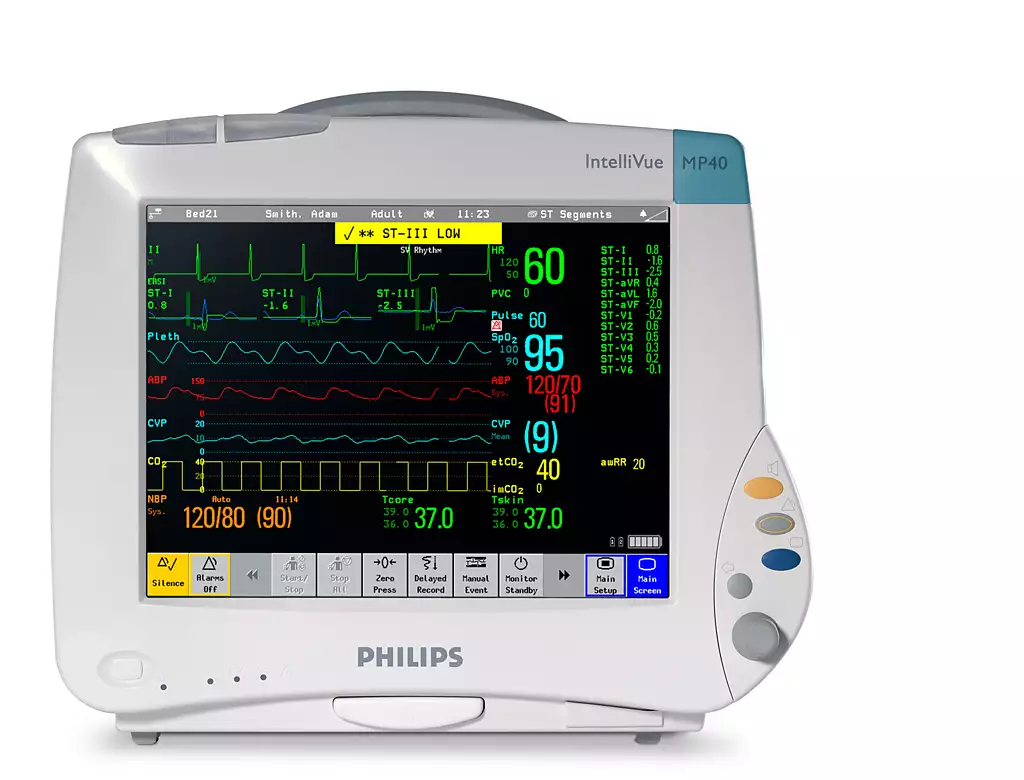
Yes. The IntelliVue MP series supports RS-232 serial output via an optional MIB/RS232 dual interface board (part M8081-67501), fitted to the monitor’s expansion slot. This board provides an RS-232 DTE output over an RJ45-to-DB9 cable, using pins 4, 5, and 7 for TXD, RXD, and GND respectively. The EZ04-WS00 bridges this directly to the hospital network with no additional hardware.
The MIB/RS232 interface is documented in the Philips Data Export Interface Programming Guide. The protocol is client/server: the integration platform (client) maintains a logical connection with the monitor (server) and requests parameter data on demand. The port must be configured to DtOut1 (Data Out) in the monitor’s setup menu before the EZ04-WS00 can communicate with it.
The MP series supports up to two data-out ports simultaneously: one for EPR export and one additional interface. For sites running Epic or Oracle Health (Cerner Millennium), RealPort virtualisation on the EZ04-WS00 maps the MIB serial port to a virtual COM port on the integration server. No protocol rewriting. No middleware layer.
Compatible models via the M8081-67501 board:
- IntelliVue MP20, MP30, MP40, MP50
- IntelliVue MP60, MP70, MP80, MP90
The interface board is available through biomedical equipment suppliers for sites where it has not already been fitted.
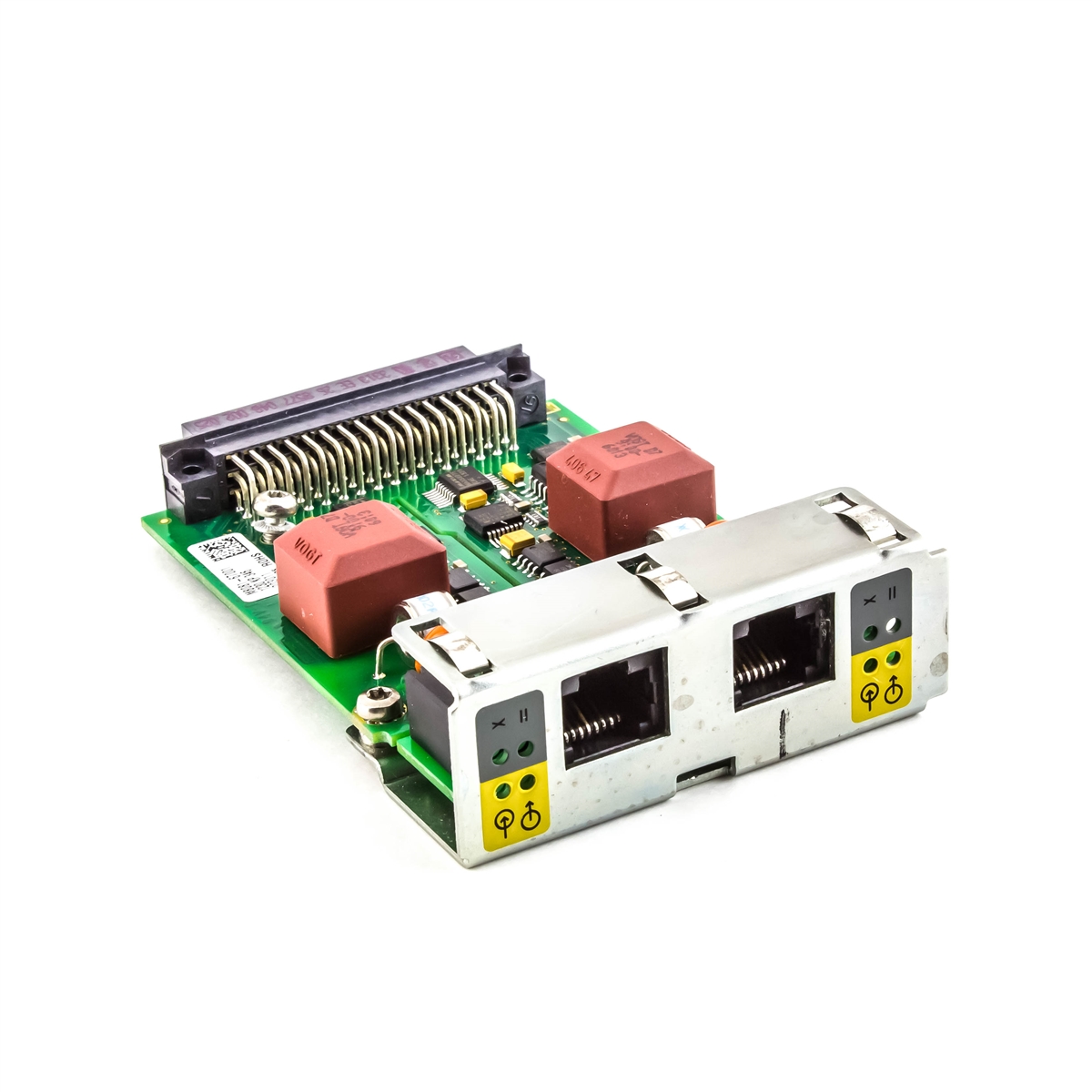
Sourcing and fitting the board is significantly lower cost than replacing the monitor, and it does not affect the device’s clinical certification.
GE CARESCAPE and Dash Series (Dash 3000, Dash 4000, CARESCAPE B450)
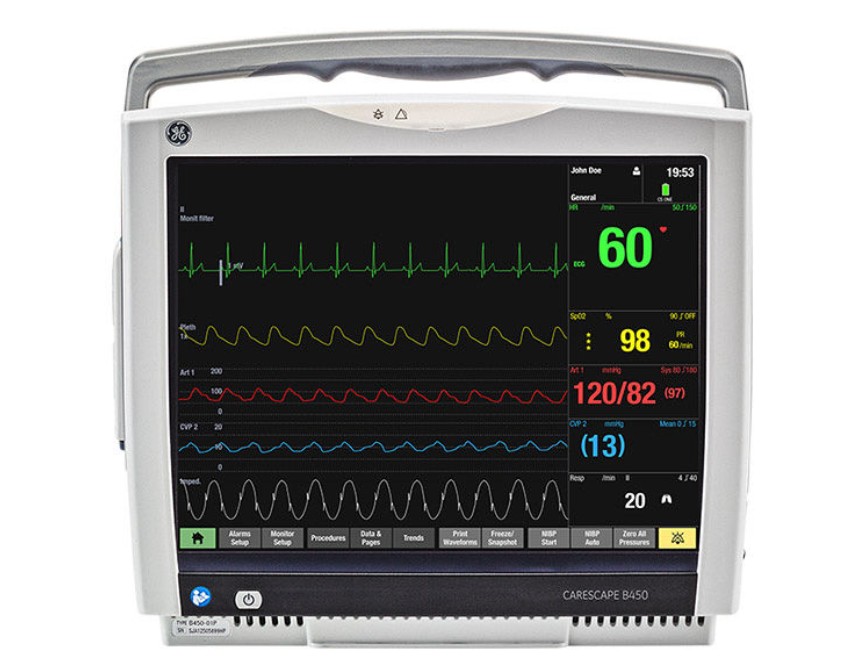
Yes. GE Dash 3000, Dash 4000, and CARESCAPE B450 monitors expose serial output using the GE Unity/CARESCAPE protocol over RS-232. The EZ04-WS00 bridges this to the hospital network, replacing the fragile USB-adapter workaround that many sites currently rely on with a permanently managed, network-connected serial gateway.
The GE Dash 3000/4000/5000 service manual confirms serial port output for patient data export. Many sites currently connect these monitors using an ATEN UC-232A USB-to-serial adapter chained into a further serial-to-USB converter feeding a local PC. That arrangement is a single point of failure: unmanaged, non-auditable, and impossible to scale across a ward estate without a local PC at every bed.
The EZ04-WS00 replaces this with a centralised, remotely managed serial-to-Ethernet bridge. Capsule connectivity, the integration middleware deployed across many NHS Trusts for GE device data, is fully compatible with the EZ04-WS00’s TCP socket and RealPort output modes.
For sites running the CARESCAPE Network, the EZ04-WS00 integrates without disrupting existing GE network topology. The serial port on the B450 is bridged, and data flows to the EPR alongside Ethernet-connected CARESCAPE devices with no change to the monitor configuration.
Nihon Kohden Life Scope (BSM-2300, BSM-6501)

Yes. The Nihon Kohden BSM-2300 and BSM-6501 include serial service and data ports. The BSM-2301K variant supports HL7 gateway integration. The EZ04-WS00 virtualises the serial port via RealPort, enabling HL7-over-serial data to reach hospital EPR and LIS systems directly, without proprietary Nihon Kohden middleware.
Serial port specifications for the BSM-2300 series are documented in the Nihon Kohden BSM-2300 Service Manual, with port layout for the BSM-6301/6501/6701 series detailed in the BSM-6000 series service documentation.
The HL7 gateway capability on the BSM-2301K means that with RealPort virtualisation, the monitor’s serial output maps directly to a virtual COM port on the HL7 integration server. This is the lowest-friction path to EPR integration for Nihon Kohden-heavy wards: no hardware replacement, no changes to the monitor’s clinical configuration, and no proprietary middleware licensing.
Mindray BeneVision N12 and N15
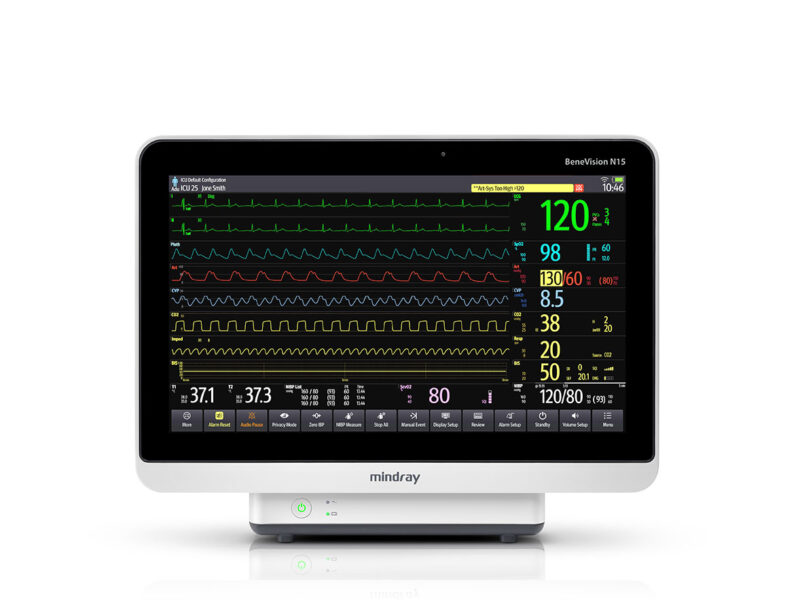
Yes. The Mindray BeneVision N12 and N15 include an RJ45-pinned serial port that outputs parameters, respiratory waveforms, loops, and alarm data. The EZ04-WS00 bridges this serial output to the hospital network via TCP socket or RealPort, providing a direct path to EPR integration without requiring Mindray’s proprietary eGateway server.
The serial port specification is confirmed in the BeneVision N12/N15/N17 operator manual. The BeneVision series also supports HL7 for direct hospital network integration, which the EZ04-WS00 carries over the Ethernet link to the EPR.
For sites that have already specified the Mindray BeneLink connectivity module, the EZ04-WS00 provides an alternative integration path that removes the dependency on the BeneLink and Mindray eGateway server. This flattens the middleware stack and gives the biomedical team direct, centralised control over the serial data path via Digi Remote Manager, from a single management interface covering every connected device across the estate.
What to Validate Before Deployment
Compatibility is not automatic. Every site deployment requires validation at three layers before go-live. Skipping this step is where integrations fail: the monitor is physically connected but nothing arrives at the EPR because baud rate, flow control, or protocol framing was not confirmed.
Electrical layer:
- RS-232 voltage levels on the monitor’s serial port
- Baud rate, data bits, parity, and stop bits (configured to match in the EZ04-WS00 port settings)
- Flow control type: XON/XOFF, CTS/RTS, or none
- Pinout and cable type: DB9, DB25, or RJ45-pinned RS-232, depending on the monitor model
Protocol layer:
- HL7 v2.x, ASTM, proprietary GE/Philips OEM protocol, or printer emulation
- Whether the monitor outputs data continuously or responds to client polling
- Data encoding: ASCII, binary, or manufacturer-specific framing
Integration method:
- RealPort COM virtualisation for EPR platforms expecting a local COM port
- TCP socket for middleware platforms such as Capsule or Dräger Infinity
- Raw serial tunnelling for point-to-point configurations
- Python edge scripting on the EZ04-WS00 for custom data transformation or protocol conversion where the monitor output does not match the EPR’s expected format
Sites with monitors from multiple manufacturers on the same ward should expect mixed protocol requirements across the four ports. The EZ04-WS00 handles each port independently. A Philips MP50 on port 1 and a Nihon Kohden BSM-6501 on port 2 can run at different baud rates with different integration methods simultaneously, managed from a single interface.
Why IEC 60601 Compliance Matters at the Bedside
Yes, the EZ04-WS00 has been evaluated to IEC 60601-1 3rd Edition. This is the standard governing electrical safety for equipment operating in the patient vicinity. A serial gateway that does not meet this standard cannot legally or safely be placed at the bedside in a clinical environment, regardless of its networking capability.
IEC 60601-1 specifies means of patient protection (MOPP) and means of operator protection (MOOP), including electrical creepage distances, clearance, and isolation requirements for equipment operating near patients. As Digi International confirms in their IEC 60601 compliance guidance, this compliance is not optional for a serial gateway deployed at the bedside. The EZ04-WS00 was designed specifically to meet this requirement in clinical environments.
Beyond the IEC 60601 evaluation, the EZ04-WS00 runs Digi TrustFence throughout: encrypted communications, TACACS+/LDAP/Enterprise RADIUS authentication, VPN support, and centralised firmware management via the Rugged connectivity platform. For NHS Trusts working to the Data Security and Protection Toolkit (DSPT), the gateway cannot become a vulnerability in the clinical network. TrustFence ensures it does not.
Full IEC 60601-1 compliance documentation for the EZ04-WS00 is available on request, including the information test report confirming compliance with the standard.
The Monitors Are Already There. Connect Them.
The hardware investment has already been made. Philips IntelliVue, GE CARESCAPE, Nihon Kohden Life Scope, Mindray BeneVision: every one of these monitors has a serial port. Every one of them is capturing data that your EPR is currently not receiving. The fix is not a capital replacement programme. It is a gateway.
The EZ04-WS00 connects four monitors per unit, sits safely at the bedside under IEC 60601-1, and manages across an entire Trust estate from a single console. Five-year hardware warranty. Twenty-four-hour expert support included.
Speak to the Rugged Team: Quotes, Compatibility Checks, and Integration Support
Every deployment is different. Monitor models vary by ward. EPR platforms vary by Trust. Cabling, baud rates, and integration middleware all need to be confirmed before a single unit is ordered.
The Rugged healthcare team works with biomedical engineers, clinical IT managers, and system integrators to validate compatibility for specific monitor models, confirm the correct integration method for the EPR or middleware platform in use, and size the deployment correctly across a ward or full Trust estate.
Reach out for any of the following:
- A quote for EZ04-WS00 units matched to your bed count and ward layout
- Confirmation that your specific patient monitor model exposes a compatible RS-232 interface
- Guidance on pinout, cabling, and baud rate configuration for your monitor make and series
- Integration support for Capsule, Epic, Oracle Health (Cerner Millennium), or other EPR platforms
- Pilot unit availability for on-site testing before a full deployment commitment
Call: +44 (0) 1474 240 120
Email: [email protected]
Product page and quote request: Digi Connect EZ WS (EZ04-WS00)
The Rugged team confirms compatibility before any commitment. If the EZ04-WS00 is not the right fit for a specific monitor or integration scenario, we will say so and identify what is.
Does the Digi EZ04-WS00 work with Philips IntelliVue MP monitors?
Yes. Philips IntelliVue MP20 through MP90 monitors support RS-232 serial output via the MIB/RS232 dual interface board (part M8081-67501). This board connects to the EZ04-WS00 via an RJ45-to-DB9 cable. The EZ04-WS00 then virtualises the serial port using RealPort, creating a virtual COM port on the integration server for direct EPR connectivity.
What serial protocols does the EZ04-WS00 support for patient monitor integration?
The EZ04-WS00 supports RS-232, RS-422, and RS-485 (software selectable per port). At the application protocol layer it handles HL7-over-serial, ASTM, proprietary OEM protocols including GE Unity/CARESCAPE and Philips MIB, and serial printer emulation. An onboard Python environment is available for custom protocol conversion at the edge where the monitor output does not match the EPR’s expected format directly.
Is the EZ04-WS00 safe for deployment at the patient bedside?
Yes. The EZ04-WS00 has been evaluated to IEC 60601-1 3rd Edition, the international standard for electrical safety of equipment operating in the patient vicinity. It also supports 802.3af Power over Ethernet (PoE), enabling single-cable installation at the bedside without additional power supplies or infrastructure modifications.
Can the EZ04-WS00 connect patient monitor data directly to Epic or Oracle Health?
Yes. RealPort COM virtualisation creates a virtual COM port on the integration server, which EPR platforms including Epic and Oracle Health (Cerner Millennium) use as a standard serial data source. Integration middleware platforms such as Capsule are also compatible via TCP socket mode, with no protocol rewriting required at the gateway level.
How many patient monitors can one EZ04-WS00 unit connect simultaneously?
One EZ04-WS00 supports four RS-232 serial ports simultaneously, each independently configurable for baud rate, flow control, and integration method. A 20-bed ward requires five units. All units are managed centrally via Digi Remote Manager or Digi On-Prem Manager, with no requirement for local access to individual gateways.